
Who needs a new phone battery
A worn battery rarely fails all at once. It fades. You start carrying a charger everywhere, the phone dies at 20% on a cold walk down Spring Garden Road, or it restarts when you open the camera. Many people assume they need a new phone when what they actually need is a new battery.
Lithium-ion batteries lose capacity with every charge cycle. Most manufacturers design phone batteries to keep about 80% of their original capacity after somewhere between 500 and 1,000 full cycles, depending on the model. For someone who charges every day, that point often arrives in two to three years. Heat speeds up the wear; so does spending a lot of time at 100% or at 0%.
You are likely to benefit from a battery replacement if:
- The phone no longer lasts a normal day with your usual use.
- It shuts down suddenly, especially in the cold or when the camera, GPS or a game starts.
- The percentage jumps around, for example from 30% straight to 5%.
- Your iPhone shows "Service" under Battery Health, or a maximum capacity below about 80%.
- The phone runs noticeably slower than it used to, which on iPhone can be caused by performance management for a worn battery.
- The battery is swollen. This one needs attention straight away; see the safety section below.
Battery symptoms and their likely causes
Not every power problem is a battery problem. These are the most common symptoms and what usually sits behind them.
| Symptom | Battery? | Other possible causes |
|---|---|---|
| Drains fast with normal use | Often | An app running in the background, poor signal making the modem work hard, a recent update still indexing |
| Shuts down at 10% to 30% | Very often | Software calibration, rarely a board fault |
| Shuts down in the cold | Almost always worn battery | A healthy battery also loses some capacity below freezing, but shouldn’t shut down |
| Phone gets hot while idle | Sometimes | A stuck app or process, a short circuit on the board, liquid damage |
| Won’t turn on at all | Sometimes | Charging port, charging circuit, a deeply discharged battery, a display fault that only looks like "no power" |
| Screen lifting, back glass bulging | Swollen battery | Stop using the phone |
| Random restarts | Often | Software, an unstable update, board faults |
Halifax winters are hard on worn batteries. A battery at 75% health might get you through a summer day but shut down at the bus stop in January. Cold temporarily reduces how much power a lithium-ion battery can deliver, and a worn battery has less headroom to start with. If your phone only misbehaves outdoors in winter, the battery is the first suspect.
What causes batteries to wear out faster
- Heat. Leaving the phone on a car dashboard, gaming while charging, or using a thick case while fast charging all raise the battery’s temperature, which speeds up chemical wear.
- Sitting at 100% for hours. Overnight charging is fine on modern phones that manage charging, such as Optimized Battery Charging on iPhone and Adaptive Charging on Pixel, but these features only help if they’re turned on.
- Deep discharges. Regularly running the phone to 0% stresses the cells.
- Poor chargers. Uncertified chargers and damaged cables can deliver unstable power.
- Physical damage. A drop or bend can damage the cells and lead to swelling later.
Battery safety: swollen and damaged batteries
A swollen lithium-ion battery is a fire risk. Gas builds up inside the cell, the battery puffs up and starts pushing against the screen or back glass. You might notice the screen lifting at one edge, the back glass rocking when the phone lies flat, or a gap appearing along the frame.
If you suspect a swollen battery:
- Stop using and charging the phone. Unplug it.
- Don’t press on the bulge, try to push the screen back down, or puncture anything.
- Power it off if you can do so without pressing hard on the screen.
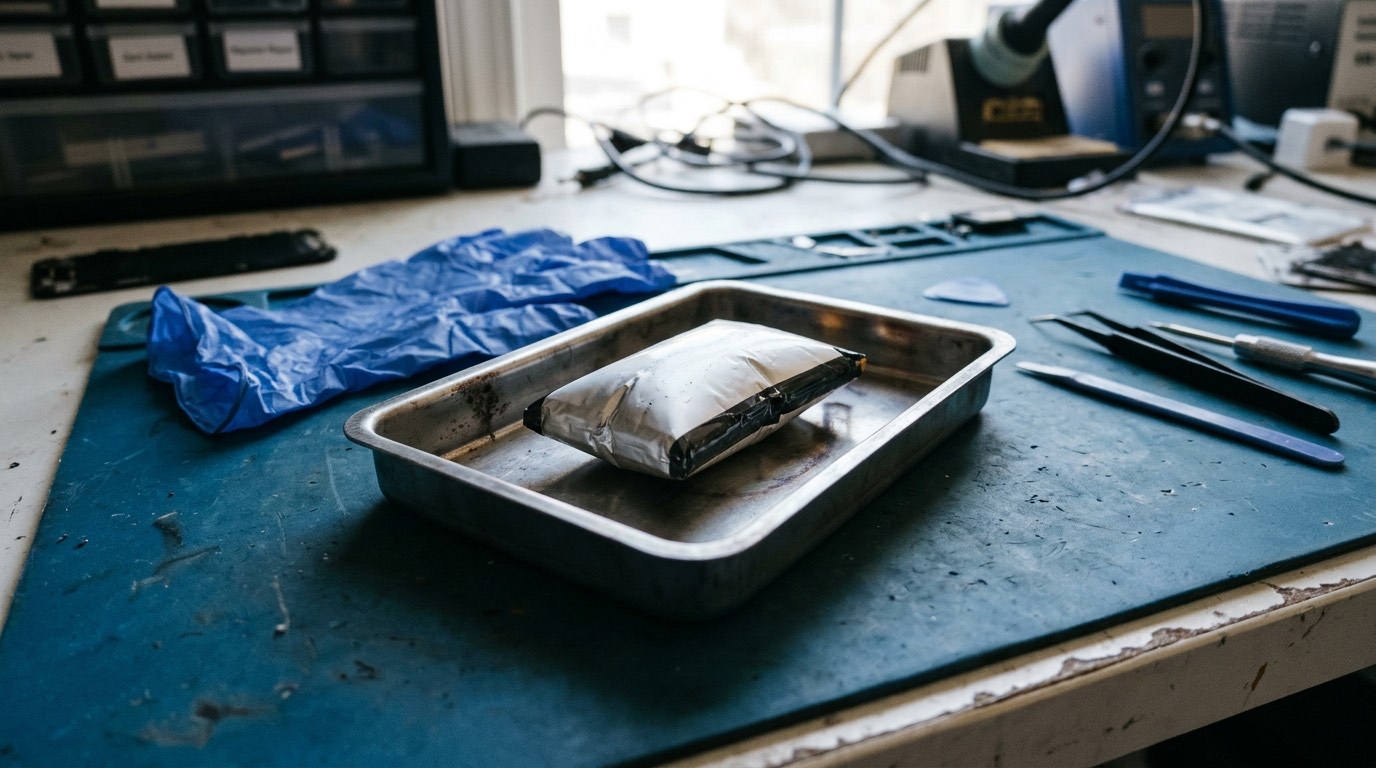
- Keep it somewhere cool and non-flammable, such as a ceramic plate or a metal tin, away from beds, sofas and paper.
- Don’t put it in a pocket or a bag with other items, and don’t post it in the mail.
- Contact us at (902) 220-3541 before bringing it in, so we can tell you how to transport it safely.
If the phone is hot, smoking, hissing or smells of chemicals, move away from it and call 911 if there is any fire. Don’t throw lithium batteries in household garbage or recycling. They can start fires in garbage trucks and sorting facilities; take old batteries to a proper battery drop-off point. When we replace a battery, we handle recycling of the old one.
How we diagnose a battery problem
Before replacing anything, we confirm the battery is actually the problem.
- Battery health reading. On iPhone we read Battery Health and the cycle count where available. On Android we use the manufacturer’s diagnostic tools or service menus; Samsung, Pixel and some other phones expose battery information in their settings or diagnostic apps.
- Charging test. We measure how much current the phone draws while charging with a USB meter. A healthy draw with slow charging points to the battery; no draw points to the port or charging circuit.
- Drain test. If the phone is losing charge fast, we look at which processes and radios are using power. Sometimes the fix is software.
- Swelling check. We look for gaps, lifting and frame distortion.
- Shutdown test. For phones that shut down early, we load the phone (camera, flashlight, screen brightness) and watch the voltage behaviour.
If the battery is fine and the issue is software, we’ll tell you and you won’t pay for a battery you don’t need.
How a battery replacement works
- Discharge to a safe level. Batteries are safest to handle below about 25% charge.
- Open the phone. On iPhone 13 and earlier, and on Pro models up to the 14 Pro, the screen comes off first. On the iPhone 14 and 14 Plus and on iPhone 15 and 16 models, the battery can be reached by removing the back glass panel instead. Most Android phones open from the back; Pixels open from the front.
- Disconnect the battery before anything else.
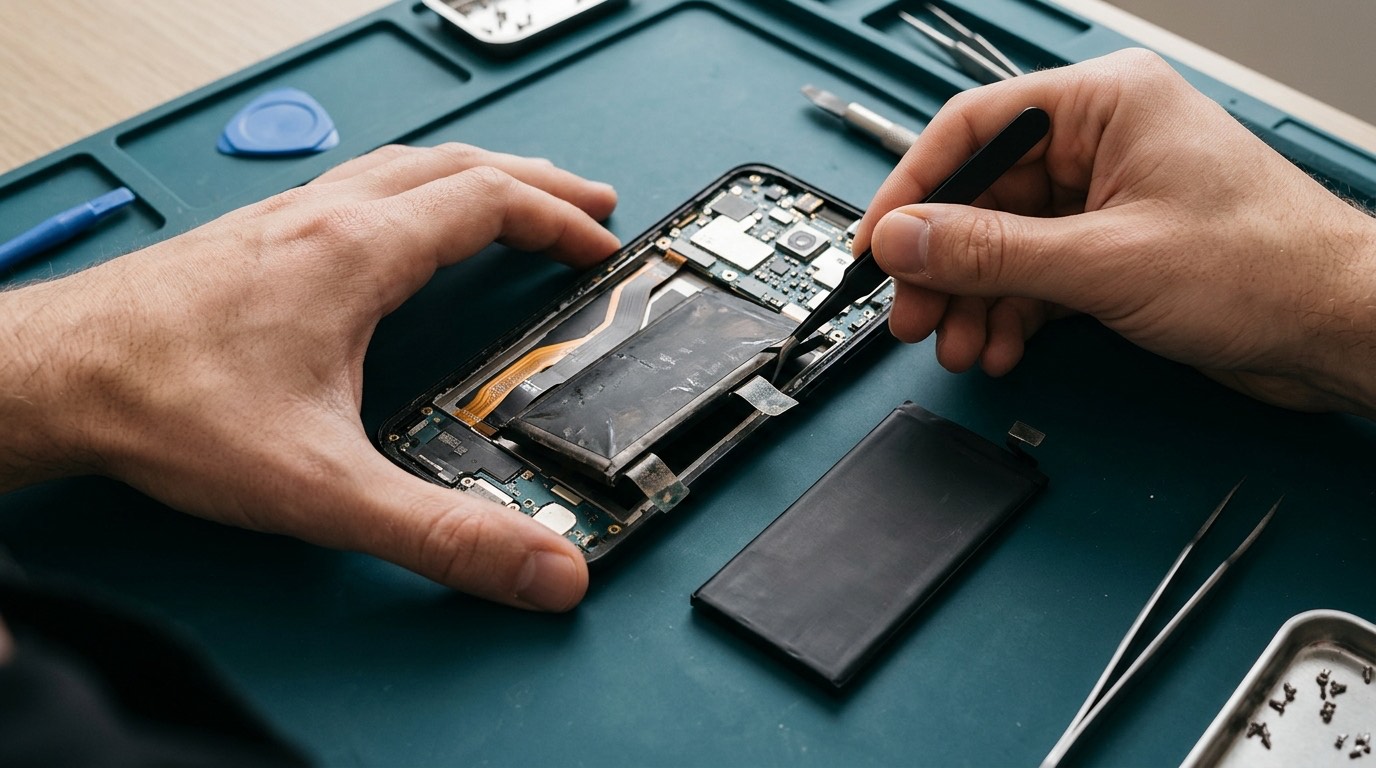
- Remove the old battery. Phone batteries are held in with strong adhesive. On the iPhone 16 and 16 Plus, the battery adhesive is released by passing a low electrical current through it, which makes removal safer. On many iPhones and some Android phones there are stretch-release pull tabs; on others the adhesive has to be softened with isopropyl alcohol and gentle, careful prying with plastic tools. Metal tools near a battery are a puncture risk, so we avoid them.
- Fit the new battery with new adhesive.
- Reseal the phone with new adhesive for the screen or back glass.
- Test charging, check that the phone reads the battery correctly and confirm that there are no warnings in settings.
New batteries need a few full charge cycles before the percentage reading is fully accurate. We’ll explain how to get the best from the first week.
Battery part options
| Part type | Notes |
|---|---|
| Genuine manufacturer battery | Best compatibility with battery health readings. Availability depends on model and supply |
| High-quality third-party battery | Good capacity and safety when from a reputable supplier. On iPhone, may show an "Unknown Part" or "Not a Genuine Battery" notice in settings |
| Higher-capacity aftermarket battery | Advertised capacity is sometimes exaggerated. We only fit them from suppliers whose figures we trust |
On recent iPhones, Battery Health may say "Unknown Part" or stop showing a percentage after a non-Apple battery is fitted, even when the battery performs well. Where our tools allow it, we transfer the battery data. We’ll tell you in advance what to expect on your model. More detail on the iPhone repair page.
Related power faults we repair
Phone not turning on
A phone that won’t turn on might have a dead battery, a failed charging port, a display fault, a failed power button or a board problem. We start with a charging test and a forced restart, then work through the possibilities. See phone diagnostics.
Overheating
A phone that’s hot in your pocket while doing nothing usually has something drawing power: a stuck app, a modem searching for signal, or a short on the board. We test current draw to tell these apart.
Unexpected shutdowns
Most are battery-related, but software crashes and board faults can cause restarts too. We check crash logs where the operating system provides them.
Power button repair
A stuck, mushy or dead power button is usually a worn or damaged flex cable inside the frame. On many models it can be replaced; on some Android phones the button is part of the fingerprint sensor, which has to be matched to the phone.
What affects battery replacement cost and time
- Model. Batteries for newer flagships cost more, and some phones are harder to open.
- How the phone opens. Older iPhones open through the screen; newer iPhones and most Android phones open through the back glass, which adds time and the cost of new adhesive.
- Adhesive. Phones with strong glue rather than pull tabs take longer.
- Part grade. Genuine batteries are often more expensive than third-party ones.
- Extra damage. A swollen battery that has cracked the screen means a screen repair too.
A straightforward battery replacement on a common model is often done within an hour once the part is available. Diagnostic fee: [DIAGNOSTIC FEE].
Supported devices
We replace batteries on iPhone models from the iPhone 8 and SE onward, Samsung Galaxy S, A and Note models, Google Pixel phones, and many Motorola and OnePlus phones. Some phones are much harder to open than others; a few have batteries glued in so firmly that replacement carries a higher risk to the screen or back glass. We explain that risk before you approve the repair.
Which phones usually need a battery now
Battery wear depends on how many charge cycles a phone has been through, so the phones that need batteries most are typically two to five years old. In late 2026 that means:
- iPhone 11, 12, 13 and 14 families, many of which now show Battery Health below 80%.
- Galaxy S21, S22 and S23 models, and Galaxy A-series phones such as the A13, A14 and A15 that see heavy daily use.
- Pixel 6, 6a, 7 and 7a. Pixel 6-series batteries are worth checking for swelling.
- moto g power and moto g stylus models from 2022 and 2023, which are often used hard as work phones.
- OnePlus 9, 10 and 11 models, whose fast-charging batteries see a lot of heat.
Newer phones, such as the iPhone 16, Galaxy S25 and Pixel 9, rarely need a battery yet unless they’ve been damaged or swollen. If they do, it may still be covered by the manufacturer’s warranty.
Before your appointment
- Back up the phone if it still works. A battery swap doesn’t erase data, but backups are good insurance.
- Charge it to about 30% to 50% if it charges at all. A battery near empty or full is fine too, but a low-to-mid charge is easiest.
- If the battery is swollen, don’t charge it. Follow the safety steps above.
- Note when the problem happens, such as cold, camera use or a specific app. It speeds up diagnosis.
- Bring or remember your passcode so we can test the phone afterwards. You can enter it yourself.
Warranty and parts
Battery replacement warranty: [CONFIRMED WARRANTY]. Battery warranties typically cover defects such as abnormal capacity loss soon after the repair or failure to charge. They don’t cover normal wear over time, liquid damage, drops or damage from unsafe chargers. We record the battery type fitted, and we never fit a battery we wouldn’t put in our own phone.
Booking a battery replacement
- Send a quote request with your model and the symptoms. If you can, include your iPhone Battery Health percentage or a screenshot of Android battery information.
- We reply with a price, the part options and a time estimate.
- You approve and book. You can [REPAIR MODEL: in-store / mobile repair / mail-in / combination].
- We replace and test the battery, and you pay when it’s done.
Frequently asked questions about battery replacement
How do I check my battery health?
On iPhone go to Settings › Battery › Battery Health & Charging. On Samsung, open the Samsung Members app and run a battery test, or check Settings › Battery and device care. On Pixel, recent versions show battery health in Settings › Battery. Other Android phones vary; we can check it for you.
Is it worth replacing the battery or should I buy a new phone?
If the phone otherwise works well and is still getting software updates, a battery replacement is usually far cheaper than a new phone and gives it another year or two. If it’s no longer getting security updates, a new phone may be the better choice.
Why does my phone die in the cold?
Cold reduces how much power a lithium-ion battery can deliver. A healthy battery copes; a worn one can’t supply enough power when the phone asks for it, so the phone shuts down to protect itself. Keeping the phone in an inside pocket helps, but a new battery fixes it.
Will my iPhone show a warning after a battery replacement?
On many recent iPhones, a non-Apple battery shows an "Unknown Part" or similar message in Battery Health. It doesn’t affect how the battery works. We’ll tell you before the repair whether your model will show it.
How long does a battery replacement take?
For most common models, around an hour once the part is on hand. Phones that open through glued back glass can take longer.
Can I keep using a swollen battery until my appointment?
No. Stop using and charging it, keep it somewhere cool and non-flammable, and contact us. A swollen battery can catch fire.
How should I charge a new battery?
Use a good-quality charger, avoid heat, and turn on your phone’s optimized or adaptive charging feature. There’s no need for special "conditioning", but the percentage reading settles after a few full cycles.