
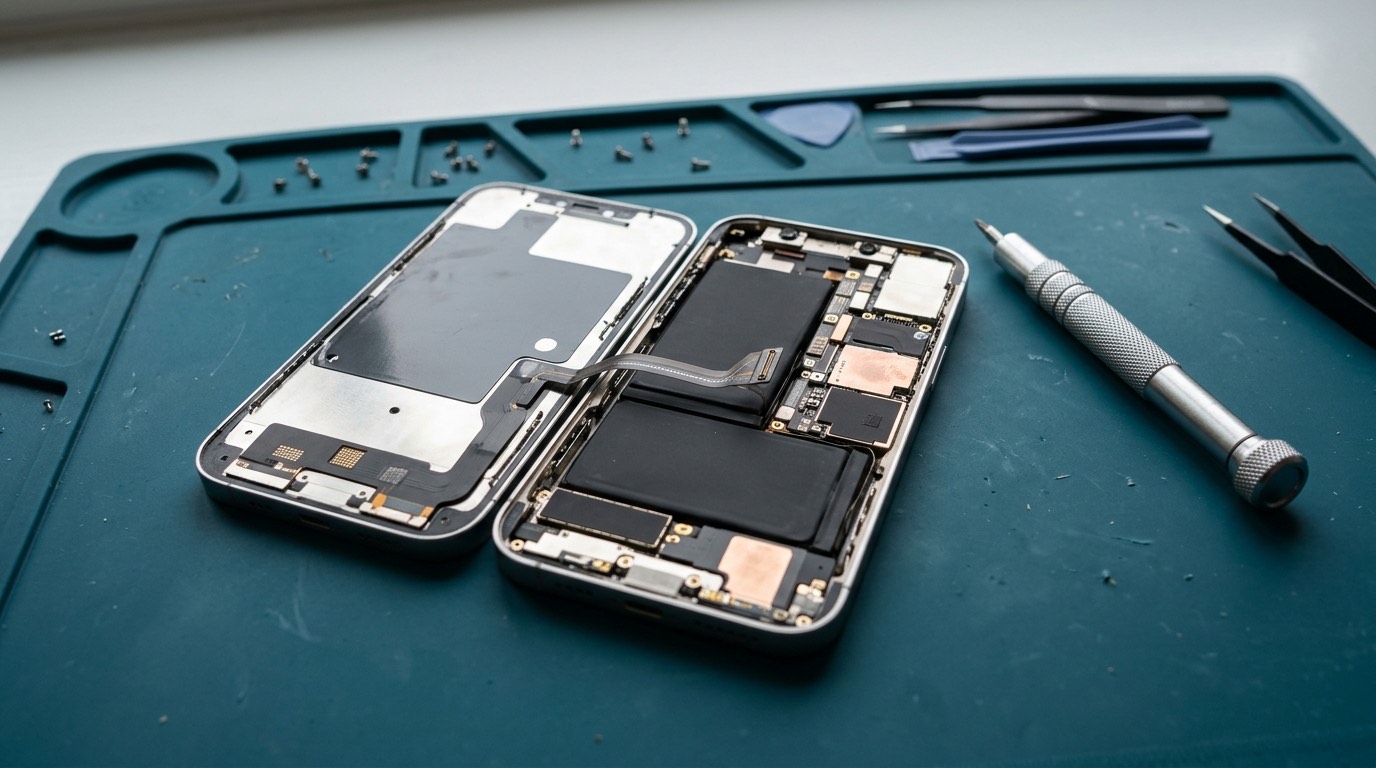
iPhone models we support
We work on iPhone models from the iPhone 8 and the iPhone SE (2nd and 3rd generation) through the iPhone 17 family, including mini, Plus, Pro, Pro Max, Air and "e" models. The models that most often need repair are the iPhone 11 to 16 families, which are old enough to need a new battery or screen and still worth repairing. Older models are often still repairable for batteries and screens if parts are available; ask with your model. Very new releases may take a few months before reliable repair parts exist.
| Model | Common repairs | Notes for repair |
|---|---|---|
| iPhone 8, 8 Plus, SE (2nd and 3rd gen) | Screen, battery, charging port | Touch ID in the Home button is paired to the phone; LCD screens are affordable |
| iPhone X, XS, XS Max, XR | Screen, battery, back glass via housing | XR uses an LCD screen; X and XS use OLED |
| iPhone 11, 11 Pro, 11 Pro Max | Screen, battery, charging port, back glass via housing | Still very common as hand-me-down phones; iPhone 11 uses LCD, Pro models OLED |
| iPhone 12, 12 mini, 12 Pro, 12 Pro Max | Screen, battery, cameras, charging port | First flat-edged MagSafe models; screen, battery and cameras are serialized |
| iPhone 13, 13 mini, 13 Pro, 13 Pro Max | Screen, battery, cameras, back glass via housing | One of the most repaired iPhone families; Pro models have 120 Hz ProMotion screens |
| iPhone 14, 14 Plus | Screen, battery, back glass, cameras | Removable back glass makes back repairs simpler |
| iPhone 14 Pro, 14 Pro Max | Screen, battery, cameras, back glass via housing | Dynamic Island and always-on screen; back glass still fused |
| iPhone 15, 15 Plus, 15 Pro, 15 Pro Max | Screen, battery, USB-C port, back glass, cameras | First USB-C iPhones; every model has removable back glass |
| iPhone 16, 16 Plus, 16 Pro, 16 Pro Max | Screen, battery, USB-C port, back glass, cameras | 16 and 16 Plus batteries use an adhesive released with a low electrical current |
| iPhone 16e | Screen, battery, charging port | Single rear camera |
| iPhone 17, 17 Pro, 17 Pro Max, iPhone Air, iPhone 17e | Screen, battery and more as parts become available | Newer designs; part availability and pairing vary. Ask with your exact model |
| iPhone 18 Pro, 18 Pro Max | Assessed case by case | Released in fall 2026; reliable repair parts usually take months to arrive. AppleCare or Apple’s warranty is often the better route for now |
To find your model, go to Settings › General › About. The model name is shown there, and tapping the model number shows the "A" number, which helps us identify regional variants.
Most common iPhone repairs
- Screen replacement. Cracked glass, lines, black screens, touch faults. We’ll explain the difference between original, refurbished and aftermarket OLED and LCD options.
- Battery replacement. When Battery Health drops below about 80%, shows "Service", or the phone shuts down in the cold.
- Charging port repair. Lightning or USB-C. Often just cleaning; otherwise a port flex replacement, which also replaces the bottom microphones.
- Camera repair. Cracked lens covers, focus and stabilization faults.
- Back glass repair. Simple on removable-back models; laser removal or a housing on fused-back models.
- Water damage inspection and cleaning.
- Data transfer, including iPhone to Android and the reverse.
Parts pairing and "Unknown Part" notices
Since the iPhone XS and 11, Apple has increasingly linked parts to each iPhone’s logic board. After an independent repair, Settings may show messages such as "Unknown Part", "Unable to verify this iPhone has a genuine Apple display" or "Important Battery Message". Here’s what that means in practice:
- The phone still works. The notice is informational and appears in Settings, sometimes on the lock screen for a few days.
- Some features may be limited. For example, True Tone may be off after a screen replacement unless the original screen’s data is transferred, and Battery Health may not show a percentage after a non-Apple battery is fitted.
- Apple offers a calibration process for genuine parts through its own repair system. We’ll tell you whether it applies to your repair.
- We tell you before the repair which notice, if any, to expect on your model.
Face ID and Touch ID
Face ID’s sensors sit at the top of the phone, next to the front camera and earpiece. They are paired to the phone, and Apple doesn’t allow independent replacement of the core Face ID components. During screen and camera repairs we handle the Face ID flex carefully and test Face ID before and after. If Face ID was already damaged, we’ll explain your options, which may include Apple’s own service. The same applies to Touch ID on Home-button models.
Before an iPhone repair
- Back up to iCloud or a computer.
- Know your passcode, and be ready to enter it yourself.
- Find My: for most repairs it can stay on. If a repair needs it off, we’ll ask, and you turn it off yourself; we never ask for your Apple ID password.
- Remove the case and any MagSafe accessories.
Warranty and AppleCare
If your iPhone is under Apple’s limited warranty or AppleCare+, check your coverage first; Apple may repair it for a lower fee, and an independent repair can affect what Apple will do later. If it’s out of warranty, or you’d rather not wait, we’re a practical alternative. Our warranty: [CONFIRMED WARRANTY].
We are an independent repair business. We are not an Apple Authorized Service Provider unless stated on this site.
Frequently asked questions about iPhone repair
Will my iPhone say "Unknown Part" after a repair?
On many recent models, yes, after a screen, battery or camera replacement. The phone still works. We’ll tell you before the repair what to expect.
Can you fix Face ID?
We protect Face ID during repairs and can sometimes fix faults caused by a damaged flex cable. Core Face ID sensor faults usually need Apple’s service.
How do I check my iPhone battery health?
Settings › Battery › Battery Health & Charging. Below about 80%, or a "Service" message, means a replacement will help.
Do you repair iPhones with USB-C?
Yes. iPhone 15 and later use USB-C, and we repair those ports too.
Will a screen repair erase my iPhone?
No. Screen, battery and port repairs don’t erase data. Back up anyway.